> ## Documentation Index
> Fetch the complete documentation index at: https://docs.langtrace.ai/llms.txt
> Use this file to discover all available pages before exploring further.
# Attach User IDs to Traces
> Learn how to attach user ids to traces in Langtrace. You can use the `withAdditionalAttributes` or `inject_additional_attributes` function to pass user ids. This can inturn be used within Langtrace for filtering and grouping traces.
You can attach user ids to traces in Langtrace by simply wrapping your code with the `withAdditionalAttributes` for typescript or `inject_additional_attributes` function for python. This will add the specified attributes to the trace spans. Make sure to pass the user id as a key-value pair to the function.
The key should be `user_id` and the value should be the user id. User ids should be unique for each user.
```typescript Typescript SDK theme={null}
import * as Langtrace from "@langtrase/typescript-sdk";
import OpenAI from 'openai'
Langtrace.init({
write_spans_to_console: true,
})
const openai = new OpenAI()
export const run = async ()=>{
const response = await Langtrace.withAdditionalAttributes(async () => {
return await openai.chat.completions.create({
model: 'gpt-4',
messages: [
{ role: 'system', content: 'Talk like a pirate' },
{ role: 'user', content: 'Tell me a story in 3 sentences or less.' }
],
stream: false
})
}, { user_id: "user1234" }) // Add user id to the trace spans
}
run().then(() => console.log('done'))
```
```python Python SDK - Function Based theme={null}
from langtrace_python_sdk import inject_additional_attributes
def do_llm_stuff(name=""):
response = client.chat.completions.create(
model="gpt-4",
messages=[{"role": "user", "content": "Say this is a test three times"}],
stream=False,
)
return response
def main():
response = inject_additional_attributes(lambda: do_llm_stuff(name="llm"), {'user_id': 'userid1234'})
# if the function do not take arguments then this syntax will work
response = inject_additional_attributes(do_llm_stuff, {'user_id': 'userid1234'})
main()
```
```python Python SDK - Decorator Based theme={null}
from langtrace_python_sdk import langtrace, with_additional_attributes
from openai import OpenAI
langtrace.init(write_spans_to_console=True)
openai = new OpenAI()
@with_additional_attributes({'user_id': 1234, 'request_id': 'random_id'})
def run():
response = openai.chat.completions.create(
model="gpt-4",
messages=[
{"role": "system", "content": "Talk like a pirate"},
{"role": "user", "content": "Tell me a story in 3 sentences or less."},
],
stream=True,
)
return response
run()
```
{" "}
DO NOT USE this the Python decorator - `with_additional_attributes`. It will be
deprecated soon. Please use `inject_additional_attributes` function instead.
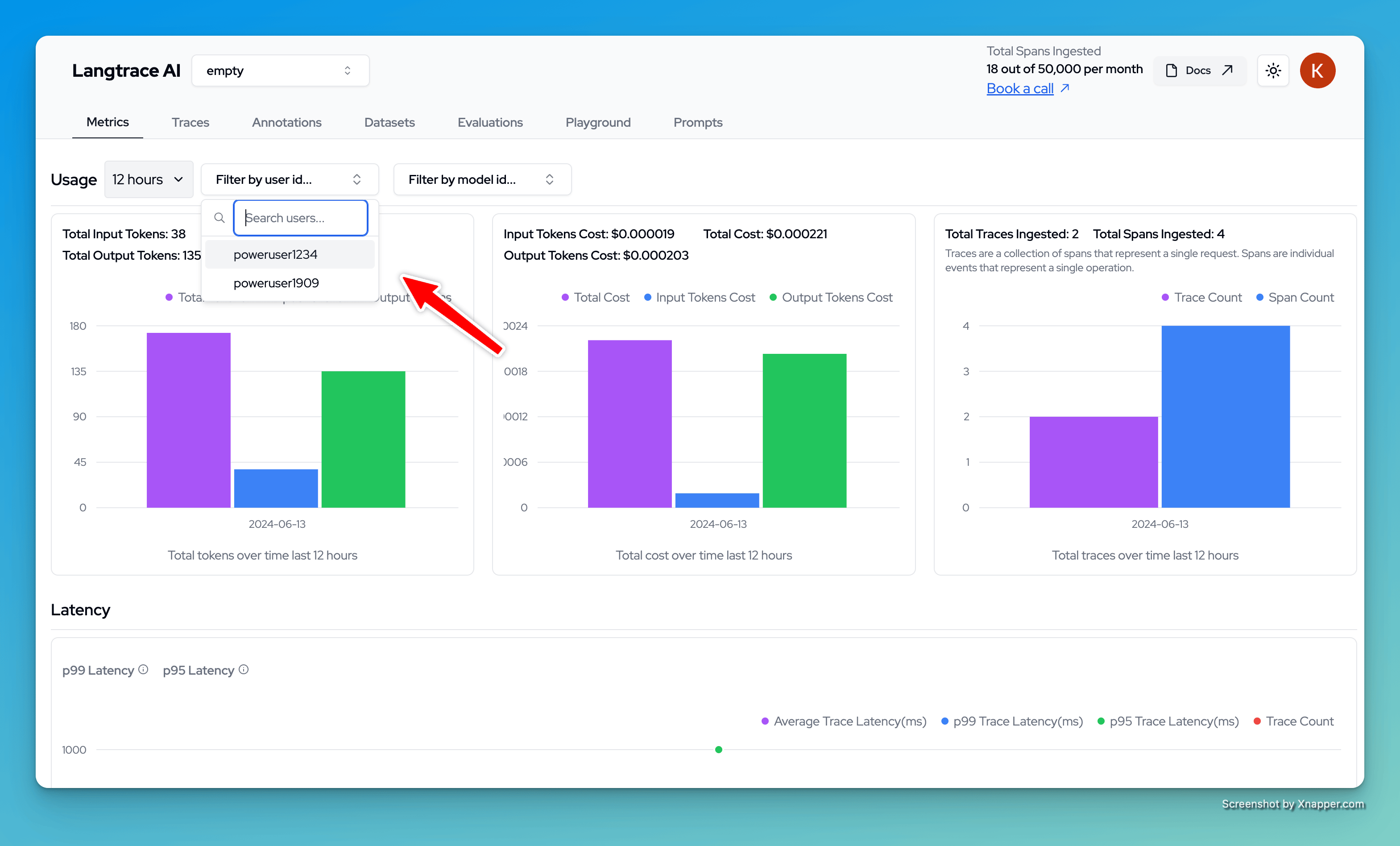
Now, you can filter and group traces based on the user id. This can be useful for debugging and monitoring purposes.